
NEW Anti-Counterfeit features to verify your Seresto™ collar is genuine
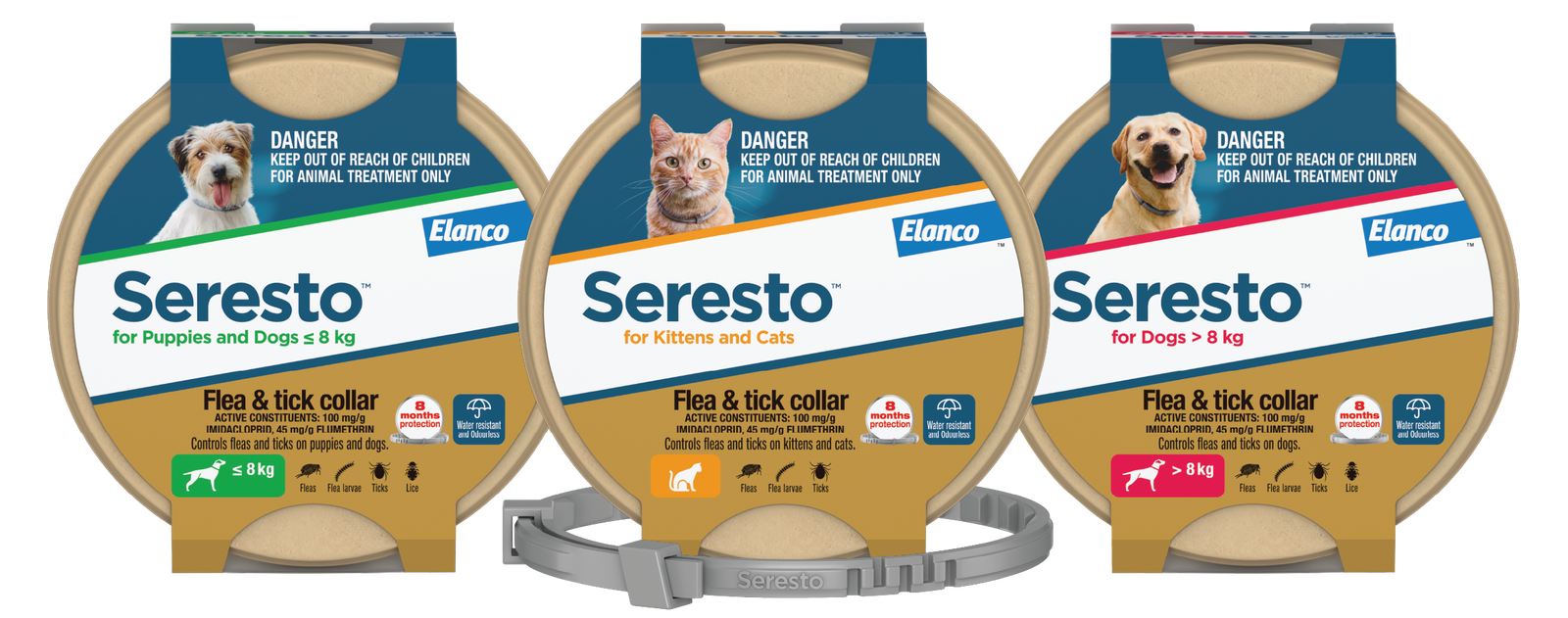
As Seresto™ has increased in popularity, it has become a target for fraudsters selling fake or imitation collars to pet owners.
New Anti-Counterfeit features on Seresto™ NEW more sustainable packs help pet and working dog owners feel confident they’re buying a genuine Seresto™ collar.
How to check your Seresto™ collar is genuine:
1. Look for the TRUSTSEAL® on your pack
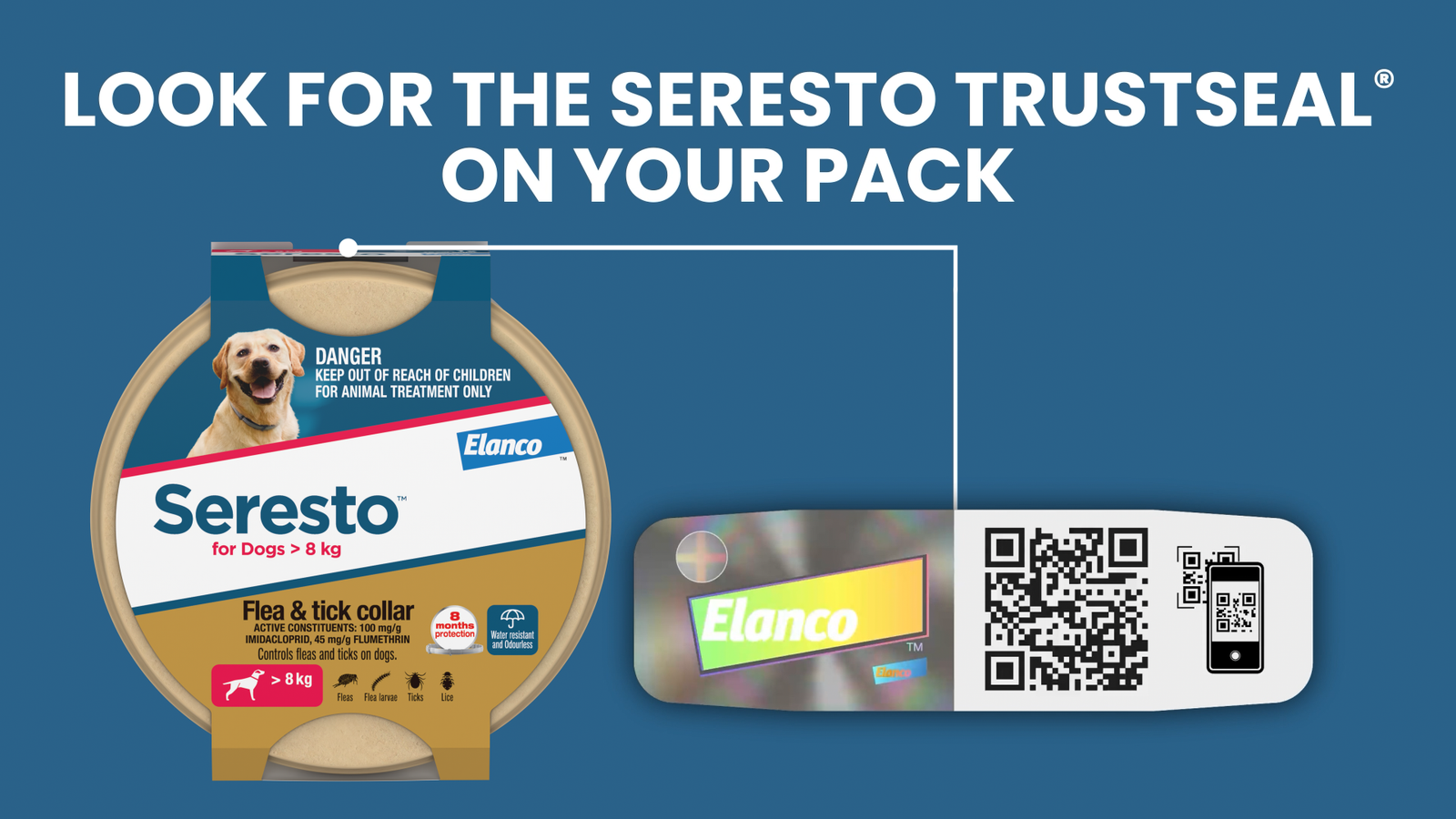
1. Look for the TRUSTSEAL® on your pack
The banderole features a multi-layered security label (TRUSTSEAL®) which includes a QR code with a unique serial number (TRUSTCODE®).
Pet owners scan the QR code with their phone for instant confirmation that their Seresto™ collar is genuine.
How to Scan the TRUSTCODE®
2. ACVM Registration
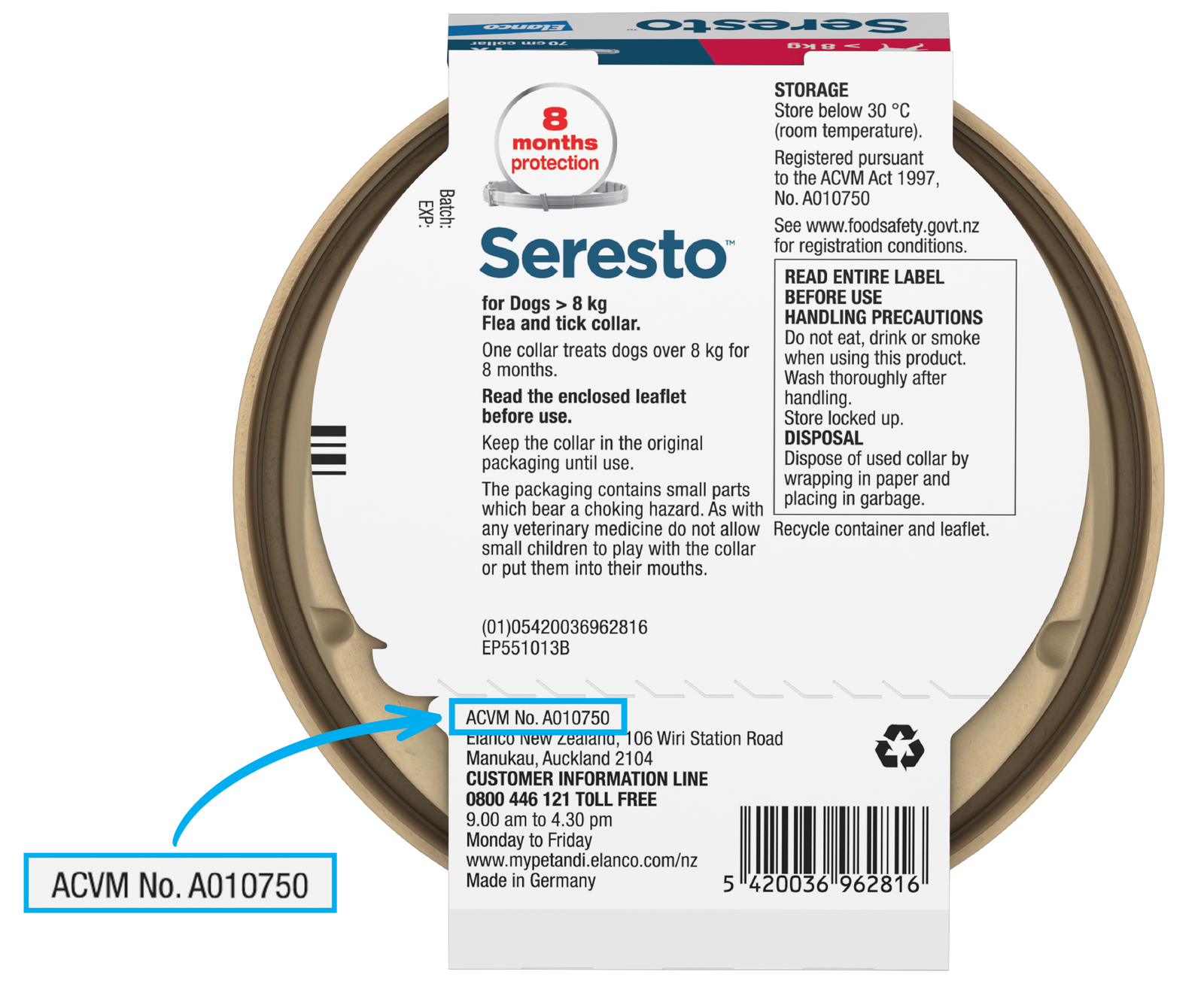
2. ACVM Registration
Genuine Seresto™ collars have been registered for use in New Zealand under the ACVM Act 1997.
On the back of the Seresto™ pack, look out for the registration details which read “ACVM No. A010750.”
How to Scan the TRUSTCODE®
• Each TRUSTSEAL® has its own unique QR code (TRUSTCODE®).
• Scan the QR code with the camera on your phone to be taken to the Elanco Verification website.
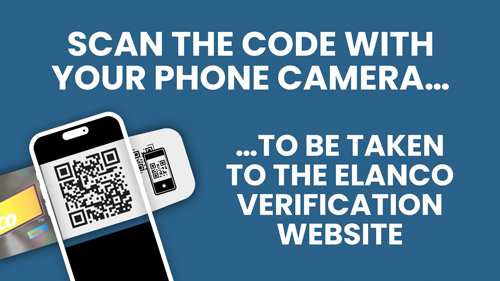
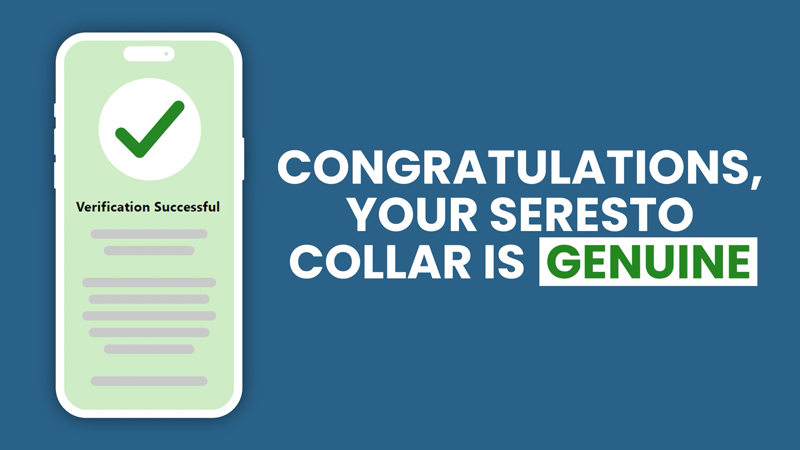
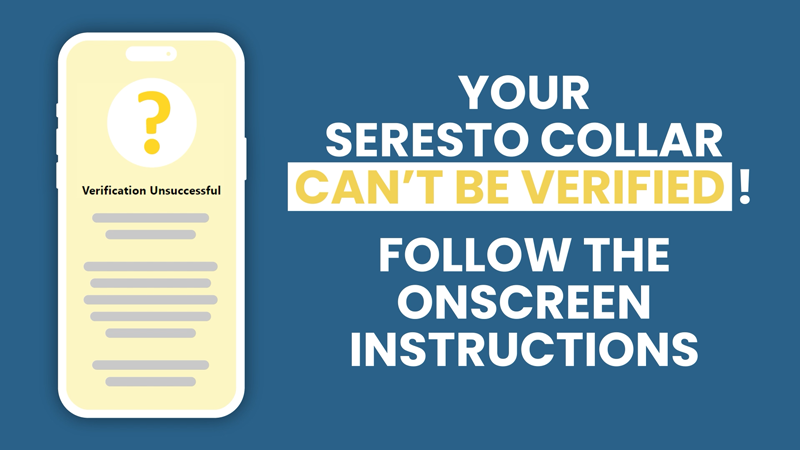
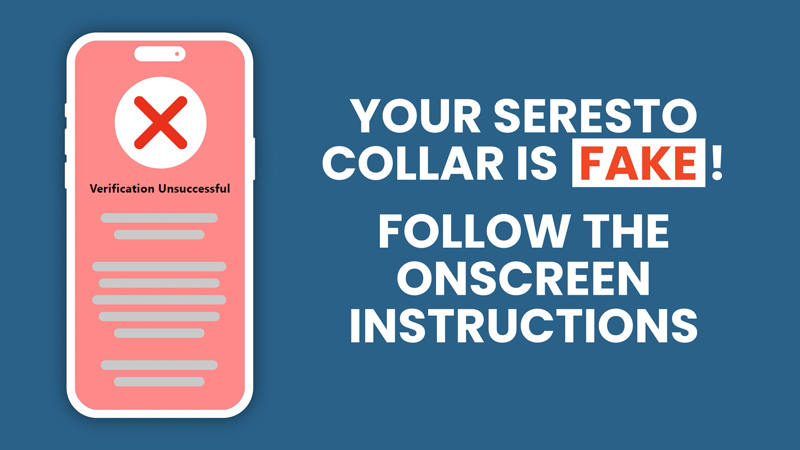
Once the code has been scanned, you will receive one of the following messages on screen:
• If your collar is genuine, you will receive a congratulations message.
• If your collar can’t be verified, you will see either a yellow or red screen.
There are two reasons for an unsuccessful scan with a yellow screen:
◦ The QR code has not been recognized or
◦ The QR code has been scanned multiple times.
Follow the onscreen instructions.
• An unsuccessful scan with a red screen indicates the QR code is counterfeit. Follow the onscreen instructions.
Seresto, Elanco and the diagonal bar logo are trademarks of Elanco or its affiliates.
Seresto™ is registered under the ACVM Act 1997, No. A010750.
Elanco New Zealand, 106 Wiri Station Road, Manukau, Auckland 2104.
www.mypetandi.elanco.com/nz I 0800 446 121. © 2026 Elanco
